Search This Blog

9/23/17

October 2017 Training

(Library closes at 5 pm Oct. 9th for Columbus Day & will close at 5 pm on Halloween)

2-6 Supervisor’s Choice

We scheduled the Supervisors Choice at the beginning of the month so that the shifts who have missed some training in the last couple of months would have a chance to catch up. Because the Bookbinding class will be starting early in October and again in November you may want to switch and do the Bookbinding class the first week. Here are a 3 fun ideas that work well with a groups- Church classes, Families, etc.
New since this bog was posted- a Video about the products from the Technology Lab. This video takes about 18 and 1/2 minutes and covers each of the products.Your Choice-show this new video or anything else you have decided to do.
  • Relatives Around Me Watch the video to see how it works. When I did it every one who had a Smart phone was already doing it before the video was finished and I was the one who needed to catch up! (By the way Elder Erickson and I are 10th cousins!)

Brother & Sister Capener are offering this great class again during October and will do another class in November if there is enough interest. The books that you can learn to produce, make great gifts for your family that will be be treasures for your family!  There may be some updates to this presentation before the date that you will be showing this. Please check back later to make sure you are up to date!                                                                                                   

16-21 Fuel the Find It is suggested that you hold Prayer Meeting in room 14 for the next 2 weeks because these last 2 weeks will be a "hands on experience". Each shift should organize so that experienced "indexers" can help those who are beginners.)


The Worldwide Fuel the Find will be Friday October 20th through Sunday October 22. FamilySearch is asking everyone to index at least one batch in that time frame.  The Ogden FSL challenge will be October 23 to October 28. In preparation for these events, this weeks training will focus on the new Web Indexing. Show FamilySearch WEB Indexing in preparation for these events. Access the Guided Tour. and have have each participant work through the tour. Web indexing Handout. (Does not include the Guided Tour!)

23-28 
This week's training will be "on the job training"! After the prayer each person will actually do an indexing batch. 


8/22/17

September 2017 Training


(Library closed Sept. 1st- 4th, for Labor Day & 9th & 30th for the Family History Conference & General conference.)

September 5-8 Supervisors Choice

Several shifts have missed days and there are more this month for Saturday and Monday. If you have missed some training days use this time for catch up.


September 11-16

The next 2 weeks we will focus on Emergency Preparedness. During this week use these videos:

September 18-23 Emergency Action Plan

"If ye are prepared ye shall not Fear!"
Follow the instructions on the first slide! The purpose of this exercise is to acquaint the staff with the scope of the emergency plan and who is responsible. This is the Emergency Plan that is used by each Family History facility. We do not not know what kind of emergency we might have or when (hopefully never), but we need to be prepared! 
  • Scavenger Hunt: Each staff member will be given a map to locate flashlights, fire extinguishers etc. and checked off by Shift Supervisors. (It should be easy for those who did it last year!!

7/19/17

August 2017

31 July-Aug. 5

Click-by-Click cards
There are only 5 slides in this Presentation You will need a supply of each of the click by click cards for this Presentation After the last slide comes practice and demonstration! Choose at least one volunteer to demonstrate using a Card. Volunteers can be chosen however you think best for your group (you can select them in advance, have them volunteer or select them “Army Style”) Another alternate way to use the time is to have everyone pick up cards and go practice on a computer The whole idea is to make everyone aware of what and where they are and how to use them personally or with patrons.


August 7-12

Preparation for open house (Monday shifts can show "Click by Click" or any other presentations that were missed)

August 14-19

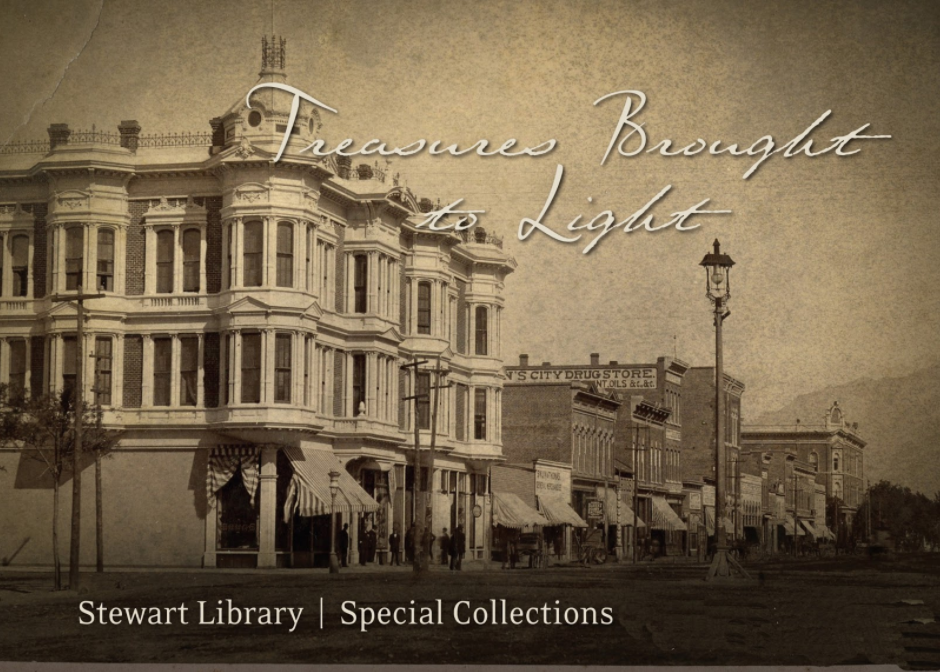
WSU Special Collections Library


The Special Collections Library will be a part of our Conference in September.
This presentation is an overview of the library and the records that are available in these Special Collections.


August 21-26

September Conference Preparation

August 29-September 1

Supervisors Choice


6/21/17

July 2017 Training

(Library Closed July 1st, 3rd, 4th, 22nd, & 24th for Independence Day & Pioneer Day- Shifts that are affected by these closures will need to make adjustments to this schedule)


July 5-8  G Suite:Google Docs

When you purchased your computer did it come with an office suite like Microsoft Office? If that suite is outdated or nonexistent, there are free options available! Google Docs or G Suite as it is sometimes called is free and will meet the needs of most who don't have a requirement for a more sophisticated office suite. This presentation gives a brief overview! If you have time you could also Use this link for information and a short slide show on how to get the extension and how to use it.


July 10-15 

Libre Office 

Another free Office Suite with more power. Either of these could be used to write a history or any other purpose that you might need to use it for. You can use either one or both!!


July 17-21 

Google's New Voice Typing Feature for Google Docs


This is a live demonstration of voice typing in Google Docs. Click on the link above to load. (Just over 3 minutes in length.)


Use Voice Typing to Format your Google Docs  

About 4 Minutes long


Using Google Drive as a PDF Converter (6:11)

 One of the genealogy questions that I am asked about most frequently goes something like this, "I have a pdf file or a jpeg picture file that has text in it and I would like to edit that file. Is there some way that I can do that? The answer to that question is, yes, but you need an Optical Character Recognition (OCR) program to do it. Today, there are many programs available and some of them are free! The good news is that Google Docs has an OCR program built in! So, you can accomplish that task by loading your file into google docs! The purpose of this video is to show you how easy it really is!                                                                      
Type with your voice
This presentation has many more voice commands than are in the videos above. It was created for class! If you have time, just do a quick overview!
 Follow the instructions in the notes at the bottom of slide #1 or you will end up in slides 8 & 9 and you will miss most of the presentation. (You really don't want to go there!) Remember, this only works with the Chrome browser!

July 25-29

Overview of Open House Activities

Elder & Sister Erickson 

5/17/17


June 2017 

Library closed (May 29 for Memorial Day & June 16th for deep cleaning)

Joe Hill

May 30-June 3 & June 5-10 Find, Take Teach-Insure the Spirit Leads This link takes you to a Google drive folder that contains 2 clips from Diane Loosle's presentation at RootsTech 2017. Begin with the first video. There is also an outline giving an explanation of the content of the 2 clips and the timing breakdown of the various segments in the 2nd video

which shows Diane working with a patron to find ancestors to take to the Temple. The 1st video is just over 6 minutes and the 2nd almost 23 minutes long. Total time just under 30 minutes. Depending on the time available for your shift you will need to use this information to determine how use these videos over a 2 week period. Don't forget discussion and input from others. There is also a link to the complete Video from Roots Tech.

June 12-17 

Searching for Ancestors in FamilySearch (12 Minutes) 

To load this video click on the Play button in the image below and then expand to full screen!                                                   

Handout:Family Search (Records, Genealogies, Catalog, Books, Wiki)

June 19-24 Sharing Information between FamilySearch and Ancestry 

You have 2 options. You can use either one or a combination of both.

Option 1 (14:05)

1. How to find sources on Ancestry and add them manually to FamilySearch.
2. Create a Tree in Ancestry (a little more effort up front but a much more efficient way to exchange information.) (If you are only interested in #2 you can drag the bar at the bottom of the video to the 4:47 mark)
3. Create a Tree in Ancestry
4. Exchanging information between Ancestry and FamilySearch

Option 2 (5:55) Handout


June 26-July 1 


Supervisors Choice: Because of problems with FamilySearch The Open House has been postponed indefinitely!!!! If you are looking for ideas Click Here for a Series of short videos by Ancestry. Other Ideas: 


4/20/17

Training For May 2017


May 1-6

Family History Detectives-Summer Camp Training

This is a brief overview of the Summer Camp Training for this summer. The committee has been working hard and has come up with a plan to teach our young people how to be Family History Detectives..
There should also be enough time for each shift to organize and get ready for this important summer activity.


May 8-13

Gatherers in the Kingdom-Family History Training Presentations (Please read all of the following instructions)

Family History Training Presentations have been prepared by the Church to train leaders and councils (13 Min +discussion), Family History consultants (16 Min.+) and members (15 Min +). These presentations are slightly different for each of those 3 groups. We have chosen to use the one for Consultants because it is the most applicable to us and gives the total picture, including how Temple and Family History should be organized at the Area, Stake and Ward levels. They are done in PowerPoint and each contain several short videos and are almost a gigabyte in length. The link above takes you to the page on lds.org where these presentations & the lesson plans can be downloaded. We will put a copy of the power point on the computer in room 12. They can also be viewed in LibreOffice (free download), but sometimes the video did not work properly when we tested it. Each of them has a lesson plan in pdf format with links to the videos to assist in in your preparation and the discussion during each of the presentations. Because of the length of each presentation we cou)ld only have a limited amount of discussion during prayer meeting. While this is not specifically intended for us, we do need to be aware of the direction from the brethren!


May 15-20

What's Your Story-Tips & Tricks for Writing Your Personal History


May 22-27

Supervisor’s Choice


Suggestions: If you would like more on Personal Histories you could use this one-Fun Ways to Write a Life Story by Joyce Whiting (15:45)

3/23/17

April 2017

April 3-8

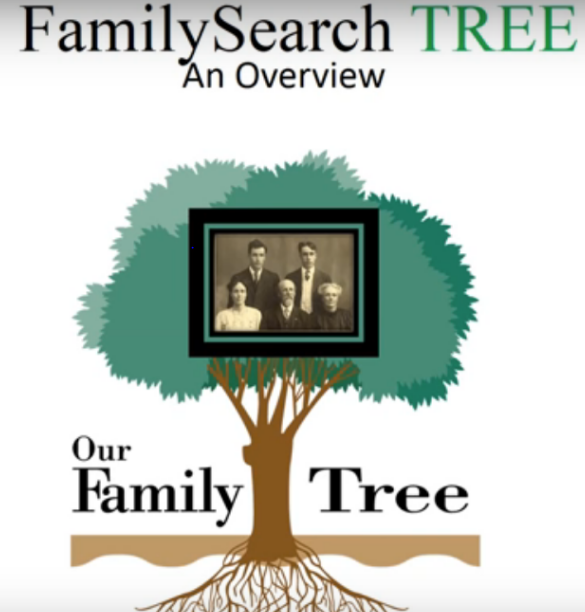
FamilySearch Tree Overview (Revised March 2017) 
Some shifts may have used this previously! (Handout)
It has been updated recently to include recent changes in FamilySearch, Most of the content is the same as before. If it has not been shown to your shift, do it now! However, if you decide not to use it now, there are some alternatives.
Puzzilla has a new feature called Search 10 Hints (Super Hints) 12:03 

April 10-15


FamilySearch Memories have been improved to help you in your family history efforts: The page now features a streamlined user experience that makes it easier to add, view, and organize family history artifacts.


April 17-22

There are several good videos about FamilySearch mobile apps. The first one listed probably has the most information. Take a look at each of them and decide which is best for you.
How to Use The Family Tree Mobile App - tutorial 19;30
If your time is short use one of these shorter versions.
How to Use the Family Search "Memories" mobile app - 11:08
FamilySearch Mobile App: for Androidd- 9:06

April 25-29- Supervisor Choice


2/23/17

March 2017

February 27-March 4

Articles in FamilySearch  

Have you ever wanted to figure out how to do something in FamilySearch, but didn't know where to find the answer? There are dozens of "How to" articles in FamilySearch. This presentation explains what articles are and how to find and use them. 


March 6-11

The Consultant Planner
A great new tool to use with Find Take Teach

Revised Instructions for the 3rd and 4th week in March

March 13-18 & March 20-25 

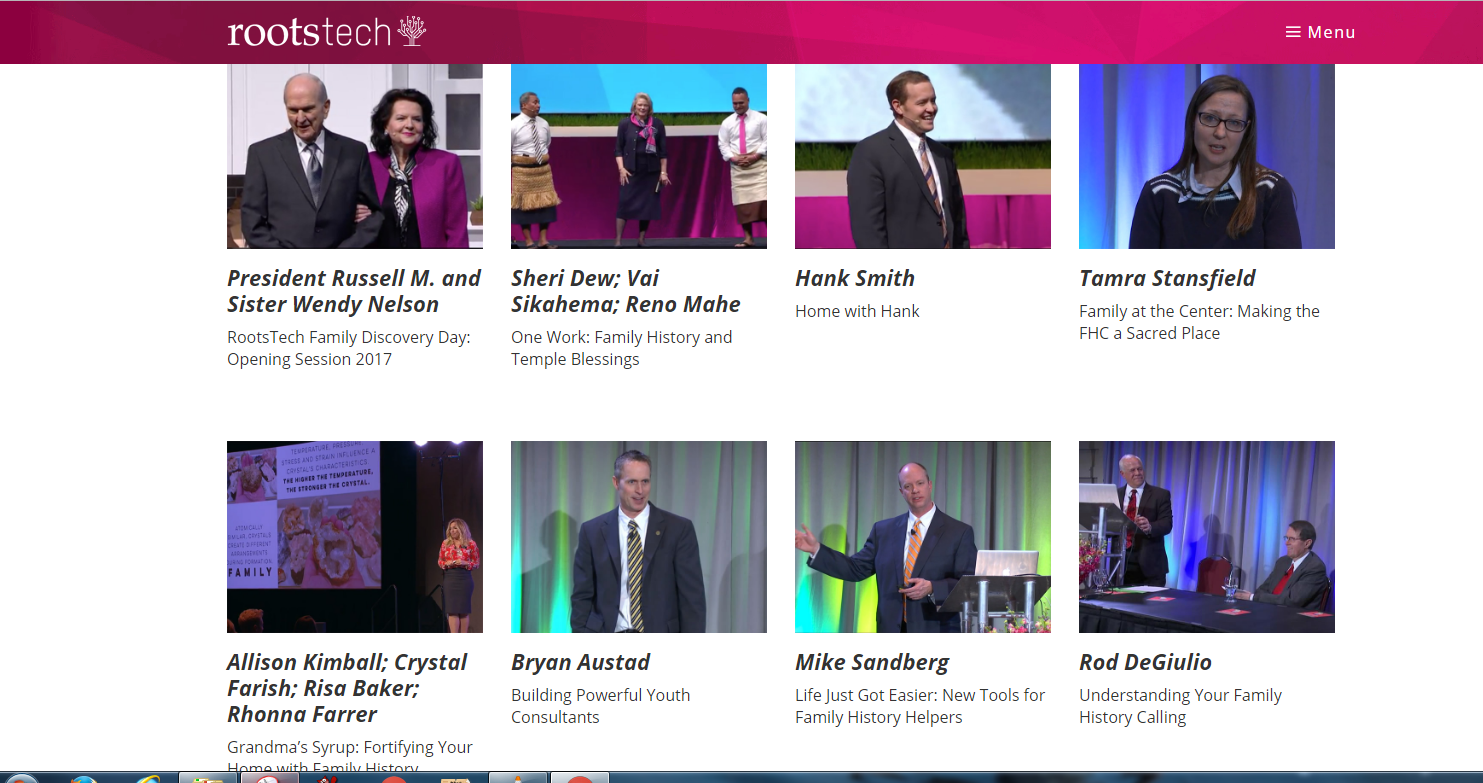
Mike Sandberg's presentation at Roots Tech 2017contained 4 new tools for Temple and Family History helpers. The "Consultant Planner" covered in week 2, was one of those new tools. The other 3 Tools will be covered in week 3 & 4. Confronting Changes in FamilySearch has been moved to a later time!


The link above should take you to a slide presentation in Google docs. Follow the revised trainer instructions on the 1st slide!


March 27-April 1

The slide presentation will help in the discussion.
The purpose of this discussion is to get input from staff that will help the Ogden FamilySearch library's:
  • Prayer Meeting Training
  • Class offerings
  • General Improvement

This discussion could be led by Shift Supervisors and/ or Education Coordinators. Someone should take notes and compile a report to be turned into Brother Stephen Felt.

1/27/17

February 2017


The Library will be closed Feb. 20th for Presidents Day. Shifts on that day will need to make adjustments in the following schedule.

January 30-=February 4
Prayer Meeting Blog. What is it? Where is it? How can it help me and others?


February 6-11

Since there are many new people working at the library now, we thought it might be a good time to bring back an old presentation from August 2015 that was helpful for many!


Creating Strong Passwords That I Can Remember

February 13-18 


My Family History Calling "Use these resources to have your own family history experiences and help others to do the same." We have been asked to present an overview of the great training help that is available on lds.org. This will require some preparation for trainers, shift supervisors and others to become familiar with what is available and then meet together and decide which things would be most beneficial for your shift! If you would like more time you could easily have a 2nd session the following week because it is supervisors' choice. Information on changes to the title of consultants is found Here

February 21-25
Supervisors Choice!
Here is an excellent overview of the tree in FamilySearch (17 Minutes)
FamilySearch Tree Overview